

Evolog
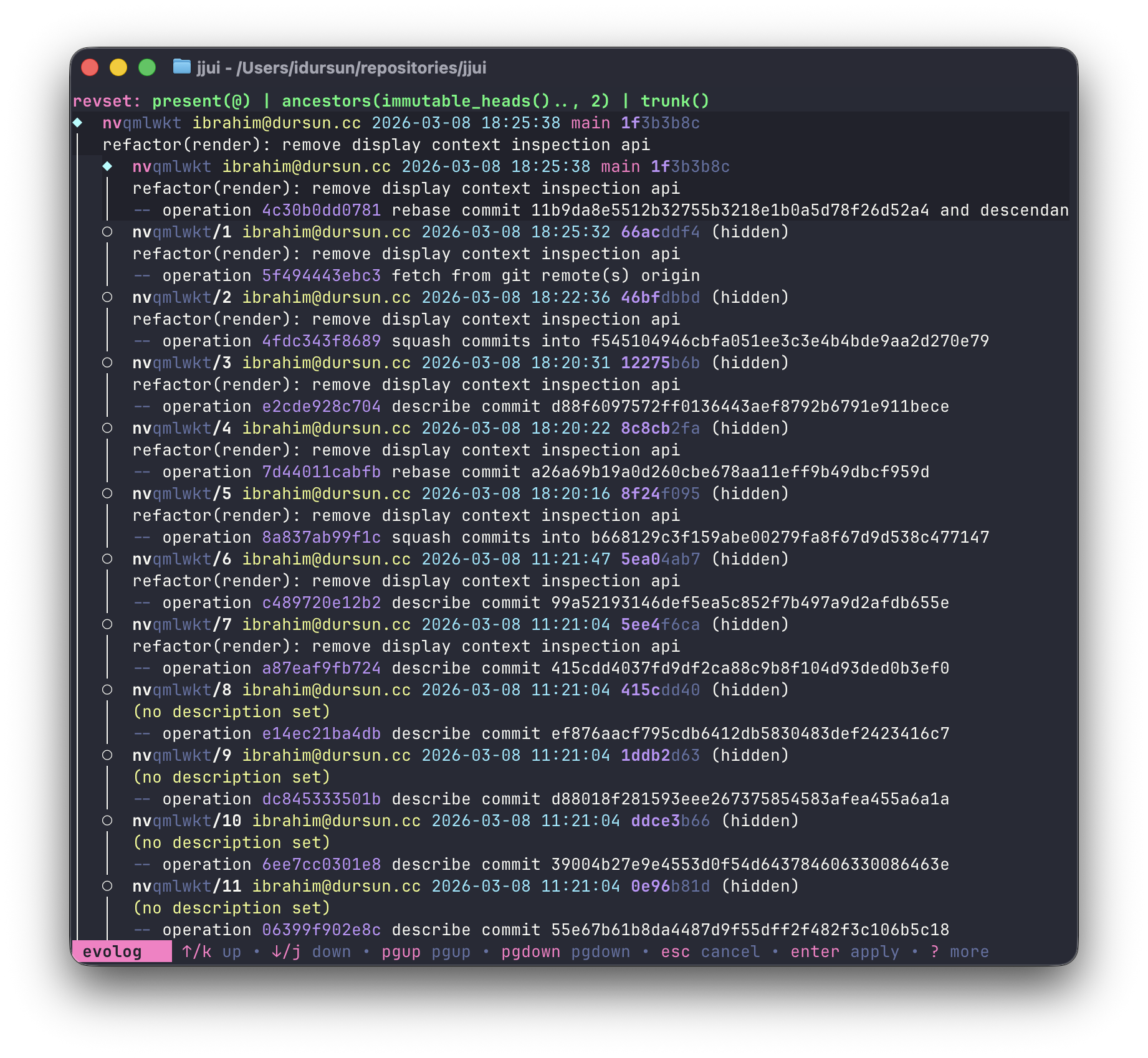
Press v on a revision to open its evolution log inline below it.
Evolog has two modes: select and restore.
Select mode
Section titled “Select mode”The evolog entries are listed below the revision. Navigate through them to inspect how the revision evolved over time.
j/k,pgup/pgdown: navigate entriesd: view the diff of the highlighted entryr: switch to restore modep: toggle preview (shows the diff patch for the highlighted entry)shift+p: move preview to bottomesc: close evolog
Restore mode
Section titled “Restore mode”After pressing r, the evolog list hides and focus returns to the revision list. Navigate to the revision you want to restore into — it will show a << restore >> marker. Press enter to apply.
Under the hood this runs jj restore --from <evolog_commit_id> --into <target_change_id>.
j/k: navigate the revision listenter: apply restoreesc: cancel and return to select mode