

Git
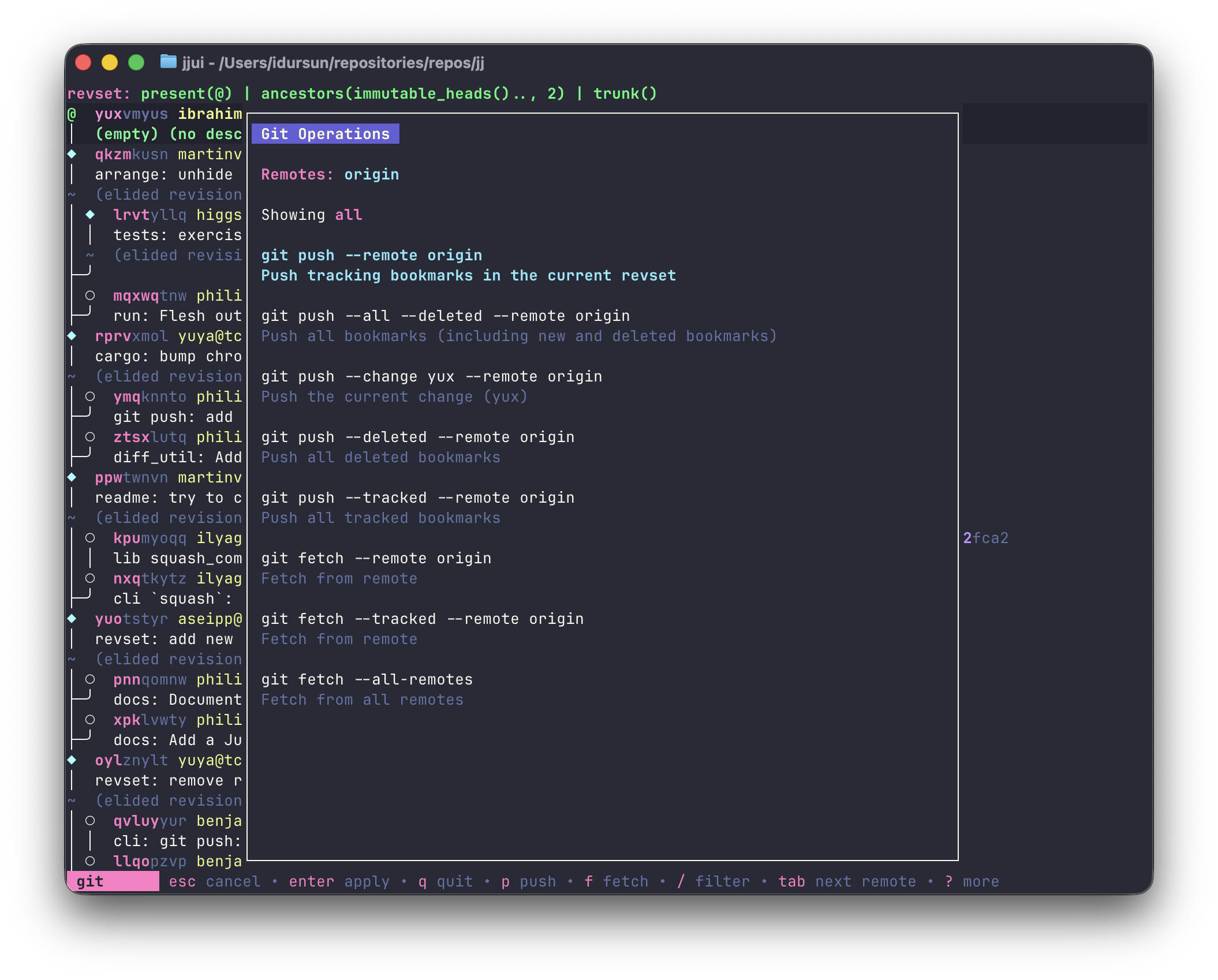
Press g to open the Git menu. It lists push and fetch commands for the current context.
Remotes
Section titled “Remotes”All configured remotes are shown at the top of the menu. Press tab / shift+tab to cycle between them — changing the selected remote changes which remote all commands in the list target. You can also click a remote name directly.
Filtering commands
Section titled “Filtering commands”p: filter to push commands. Pressingpagain immediately executes the default push for the selected remote.f: filter to fetch commands. Pressingfagain immediately executes the default fetch for the selected remote.
When a category filter is active, item shortcut keys become available.
Push commands
Section titled “Push commands”Commands shown vary based on the selected remote and any highlighted/selected revisions:
| Key | Command |
|---|---|
p | git push --remote <remote> — push tracking bookmarks in the current revset |
a | git push --all --deleted --remote <remote> |
c | git push --change <change_id> --remote <remote> |
d | git push --deleted --remote <remote> |
t | git push --tracked --remote <remote> |
Per-bookmark push commands are also generated automatically for each bookmark on the selected revisions.
Fetch commands
Section titled “Fetch commands”| Key | Command |
|---|---|
f | git fetch --remote <remote> |
t | git fetch --tracked --remote <remote> |
a | git fetch --all-remotes |
Other keys
Section titled “Other keys”/: free text filter to search commands by nameesc: close the menu